The film and series guide that knows what to watch — and where.
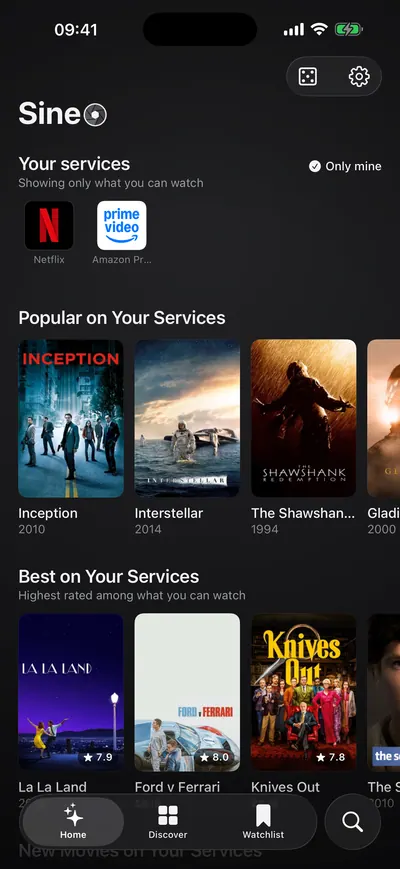
Everyone knows the half-hour of scrolling that ends with watching nothing. SineO shows what's on the services you actually pay for, keeps a watchlist, and tells you when the film you've been waiting for lands on one of them. No ads, no tracking — the only thing counted is one row per install.
- iPhone
- iPad
- Widgets
- languages — the app, its privacy policy and terms
- 17
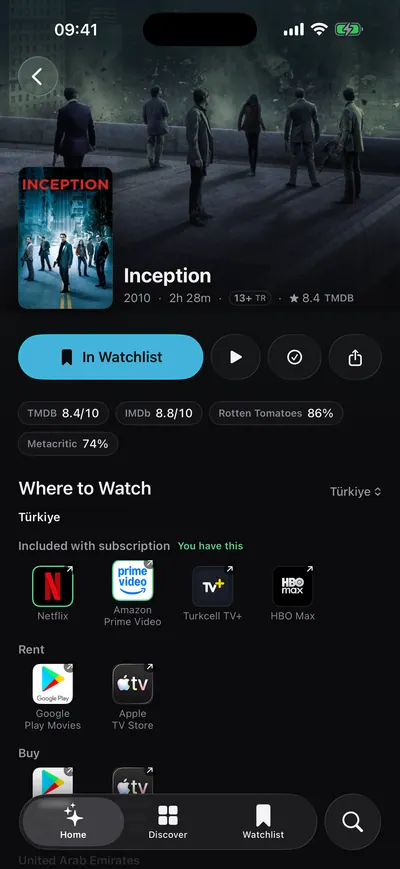
- ratings side by side: IMDb, Rotten Tomatoes, Metacritic
- 3
- ad networks, third-party trackers or crash reporters
- 0
- row per install — the only thing counted
- 1
Home
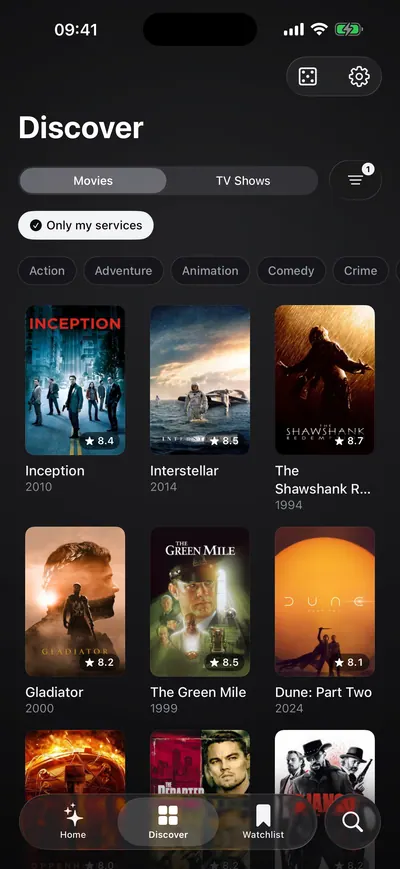
Only what you can actually watch.
Pick the services you pay for, just once. Home, discover and search are rebuilt around them — no more falling for a title that turns out to be on a service you don't have.
Where to watch
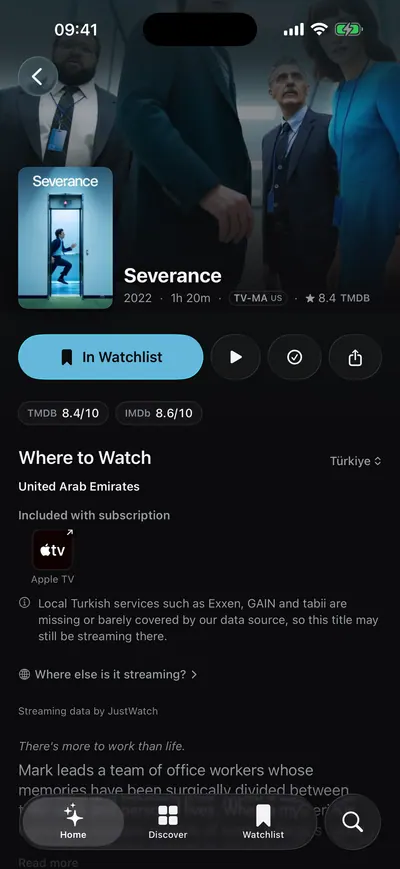
Every title answers the only question that matters.
Open a film and the services that carry it come first, with the ones you already have marked. IMDb, Rotten Tomatoes and Metacritic sit side by side, so the verdict takes a glance.
What should I watch?
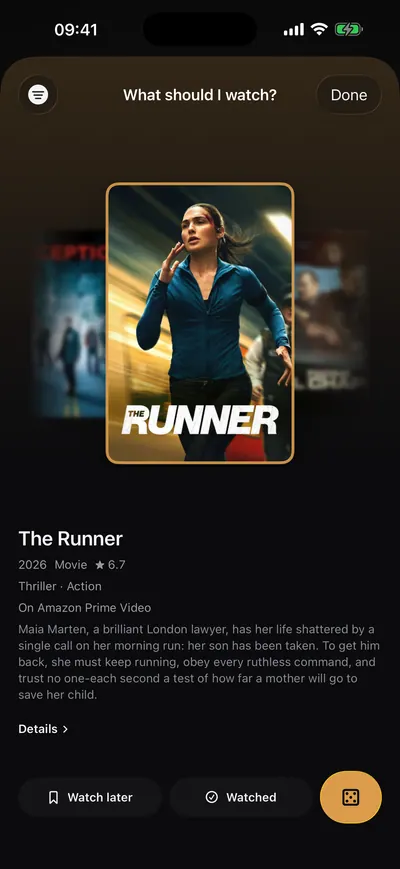
For the evenings you can't decide.
One tap and SineO hands you a single suggestion from your own services — on the home screen too, as a widget.
Worldwide
Merge countries into one catalogue.
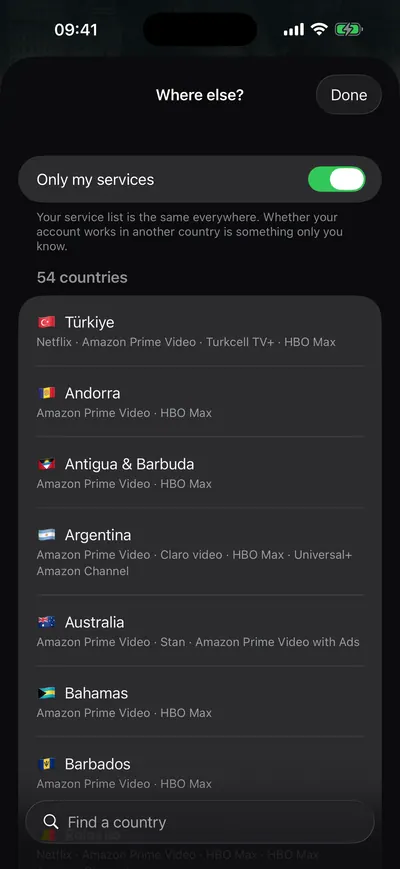
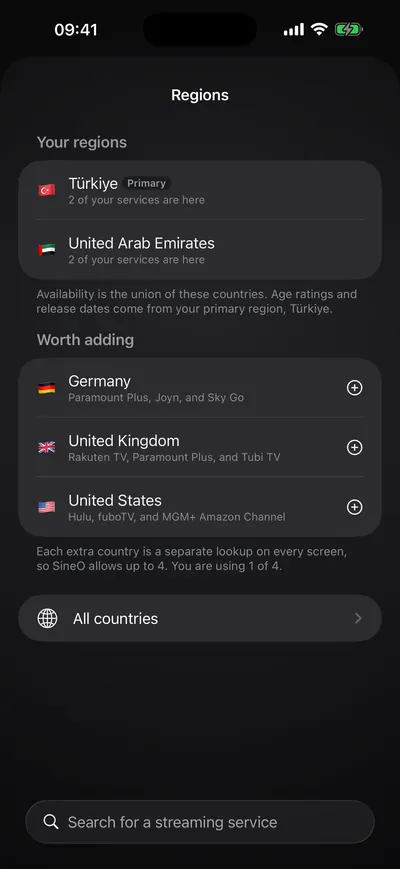
A home region plus as many extra regions as you like, their services in one list. SineO tells you which service is only in which country — no searching.
Tell me when
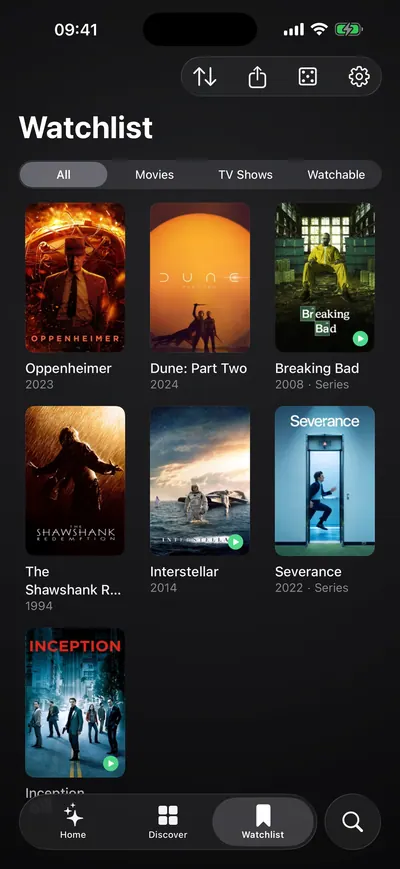
Your watchlist keeps watch.
When a film on your list arrives on one of your services, a local notification says so — no push server in between. Follow actors and services the same way. Quiet hours hold everything back from 23:00 to 08:00, or whenever you choose.


Screens, as they are
How it's built
Built natively, kept quiet.
A SwiftUI app in Swift 6 with widgets and App Intents. Availability comes from TMDB and JustWatch, ratings from OMDb. Notifications are scheduled on the device, so nothing about what you watch needs a server.
- SwiftUI
- Swift 6
- WidgetKit
- App Intents
- TMDB
- JustWatch
- OMDb
No ads, no tracking
No ad networks, third-party trackers or crash reporters in the app.
Seventeen languages
The interface, the privacy policy and the terms — all seventeen.
Beta
Want to try new features first?
Join the beta: the next version reaches you before everyone else, and what you notice shapes it. Places are limited.
iPhone · iPad
- Install TestFlight from the App Store.
- Open the invitation on your iPhone and tap Accept.
- Install the beta, sign up in the app, and you're in.
Android
- Open the testers' group and tap Join group at the top, signed in with your Google account.
- We add you to the testers within a day or two; until then the testing page may not let you in.
- With the same Google account, open the testing page and tap Become a tester.
- Install the app from Google Play (it can take a little while to appear), sign up, and you're in.
SineO
On the App Store · iOS
This product uses the TMDB API but is not endorsed or certified by TMDB. Streaming availability is provided by JustWatch; external ratings come from OMDb.